Let’s jump back to 2020. I know, it was a terrible year. But for me it was also the year when I migrated my WordPress blog to the Jamstack. Back then I was deeply interested in Vue.js and I became a big fan of Gridsome, a static site generator based on Vue. So I used Gridsome to rebuild my blog.
Unfortunately, Gridsome’s development stalled shortly after that and the project has shown no signs of life since.
I kept using my static site generator as it was, but it is not very motivating to build on a dead project. There were alternatives, of course, but none of them really inspired me.
Then I found Astro.
Love at First Sight
I was lucky to meet Astro quite early – I think it was around version 1.x. Its general concepts were (and still are) very appealing to me. I like that it is not based on any specific JavaScript framework. (But you can use several of them at the same time, if you need that.) And Astro seemed – and has proven to be – much more alive than Gridsome ever was.
I also loved how understandable it seemed! Astro has excellent documentation, even a step-by-step “Getting Started” guide for building a basic blog. And there are plenty of Astro tutorials on YouTube, too.
Astro has grown a lot since then (it is at version 5.1 as I write this), but I think it became more capable rather than more complicated. You can still build the same simple blog as with the early versions.
Keep it Simple, Stupid
My blog is still very simple, it has only a few functions. So I looked for a starter theme that is similarly minimal. I chose Dante and then simplified it even further. 😃 On the other hand, I borrowed some ideas from the previous version of my blog and improved the design a bit – or so I believe. (A big plus for Dante was that it was updated to Astro 5.x shortly after the release.)
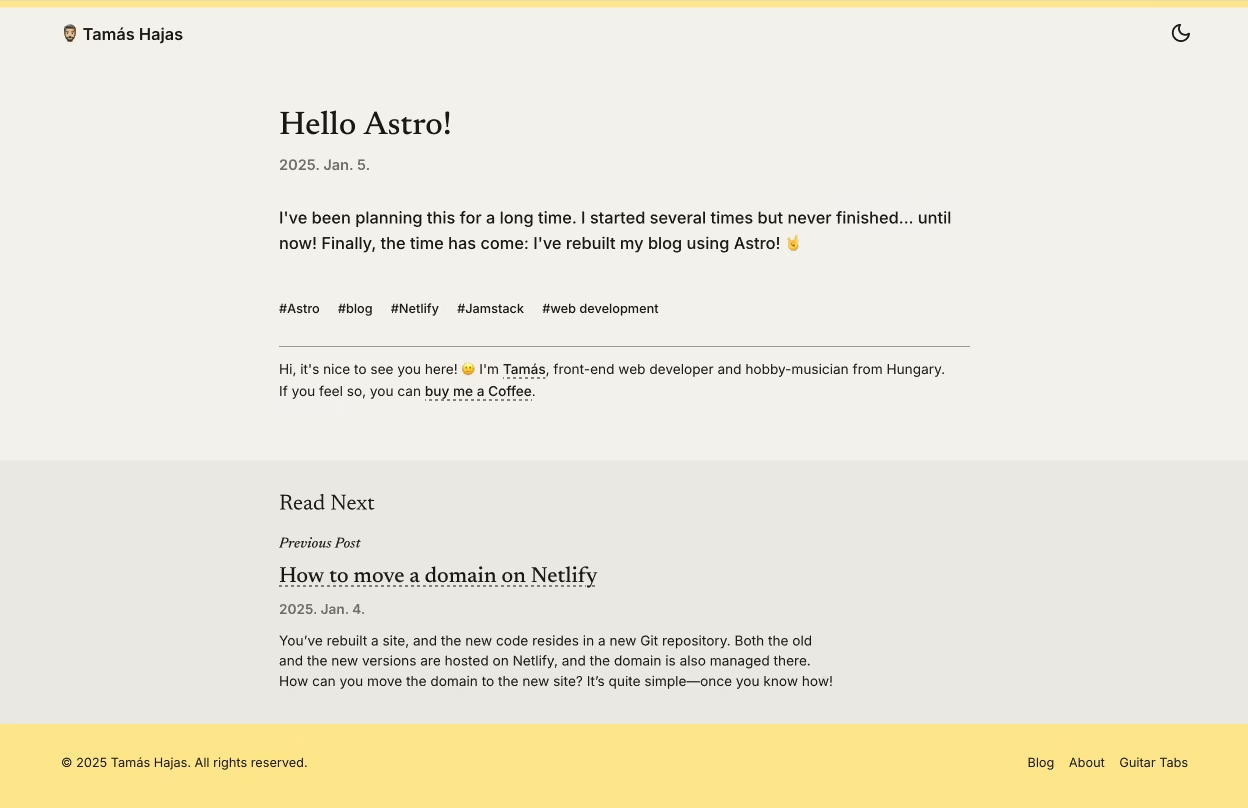
I kept the concepts I decided on when I moved to Gridsome, with three changes only. I removed the “reading time” from the blog posts. Instead, there is a new “Read next” section that recommends the next and the previous post. (See below. 😉) And I have an “All tags” page now, which I should have added to the earlier version, too.
The code is pushed to GitLab and the site is hosted on Netlify, just like before. Moving the domain to the new codebase needed some thinking, but the solution turned out to be simple.
That’s all for now. I am happy to use a modern solution that inspires me to learn more and – hopefully – to publish more on my blog than before. We will see…
Update 2025. Jan. 14. This little post is linked in the official Astro documentation! 🙇🏻